
Play Dominoes Online
Create a public or private room, then invite a friend with a share link or room code. You can also browse the lobby to join an open room or watch a game already in progress. The board is always a double-six Draw dominoes table.
Create a room
Choose a room type, then invite a friend with the link or room code.
Public rooms use shorter codes and appear in the lobby for anyone to join.
Join a room
Paste a friend's share link or enter a room code. A waiting room seats you; a game already in progress opens as a spectator.
Leaving does not close the room. The host can re-enter from Your rooms in the lobby, or close the room. If everyone disconnects, the room expires after about 20 minutes. Room codes are only for this match and do not store personal information.
Public room lobby
The lobby lists rooms waiting for a player, and games already in progress. Rooms you created are listed separately: Enter room on top, Close room underneath. Watch is only for other people's games that have already started.
Your rooms (0)
These are rooms you opened that are still open. Enter room puts you back in your seat. Close room below it dissolves the room at once.
Waiting (0)
In play (0)
These seats are full. Room codes are not listed. Watch to follow the board; you cannot move.
Creating public room…
Assigning your room code. Please wait.
Public room created (double-six Draw)
Send the link or room code to a friend. The game starts when they join.
You will play Black and move first; your opponent will play White. This setting will be used when they join.
Connection interrupted. Reconnecting…
Join a room
A shared room was found. Confirm to connect, or change the room code first.
Entering the room…
Connecting to room . Please wait.
Connection interrupted. Reconnecting…
Ready to play
Your opponent left the room
They disconnected. Return to the lobby to create or join another room.
Connection failed
This room was not found. Check the room code or link, or try again if the room has closed.
Play Dominoes Online
Open a Room and Play Online
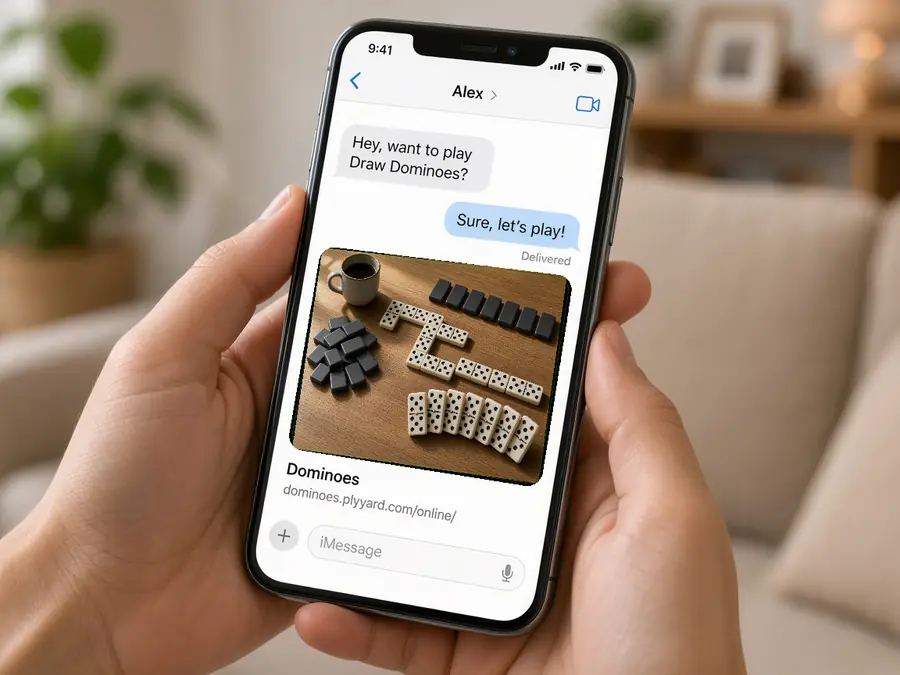
If you already have a partner, create a private room and send the link. To find a game, open a public room and wait in the lobby. The host sits Black or White; the first joiner takes the other seat. Once both seats are taken, later visitors can spectate.
Public Lobby or Private Invite
A public room appears in the lobby so the next visitor can sit down. A private room stays off the list and needs no extra password; the invite link is the door. Anyone with the link can enter, so send it only to the person you genuinely want to invite.

A Dropped Line Can Reclaim the Seat
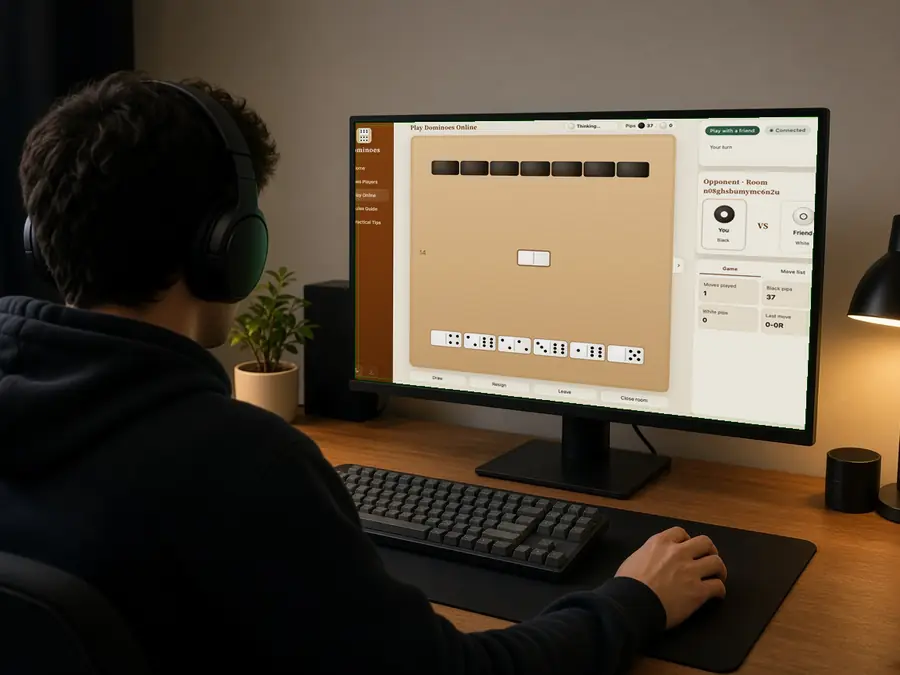
After the host picks a colour, the first joiner takes the other side. The browser remembers the seat, so a refresh or a short disconnect usually returns you to the same game. Once both seats are filled, later visitors spectate. The other hand and the boneyard stay face down.
Leave, Resign, or Close the Room
Returning to the lobby or dropping the connection does not end the game at once. After both people leave, the room usually stays about twenty minutes. You can rejoin, resign, or have the host close the room so the link expires. Online moves are already shared, so neither side can undo alone.
2room types
1public room per browser
Nosolo online undo
~20 minkept after both leave